4,400+ icons
Glassmorphic icons in HD (192×192 px), with new icons in every update.
 Glassmorphic Icon Pack
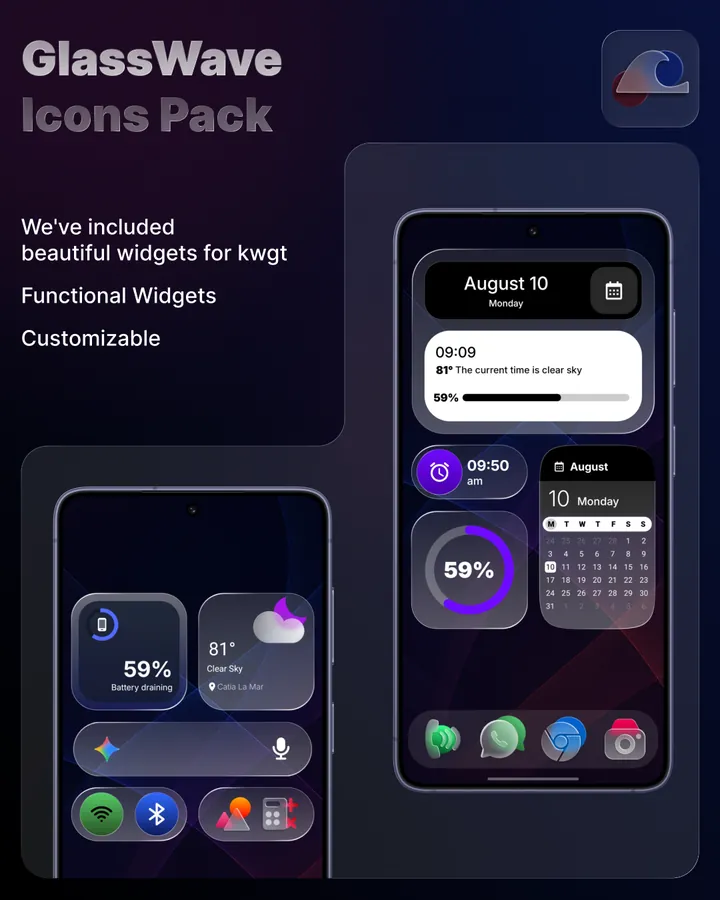
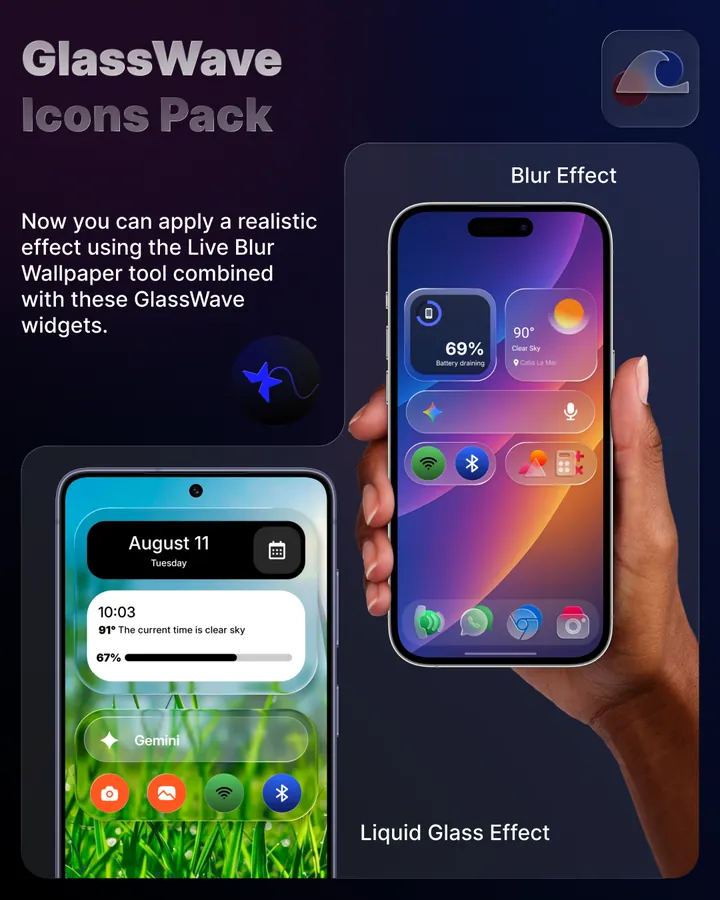
Icons with a frosted glass effect, widgets for KWGT and a big wallpaper catalog, all in one glassmorphic style.
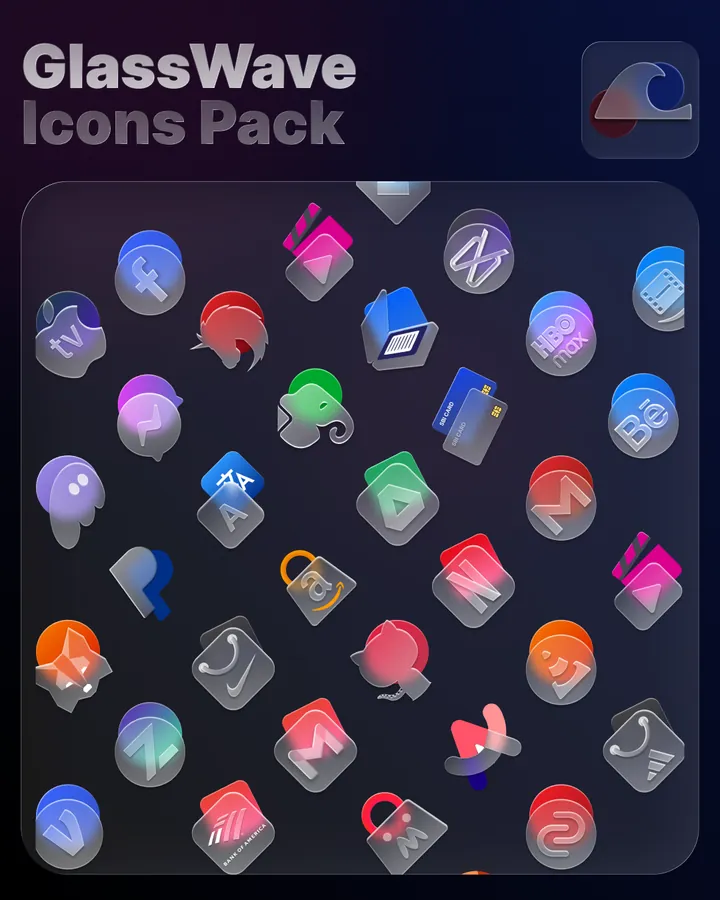
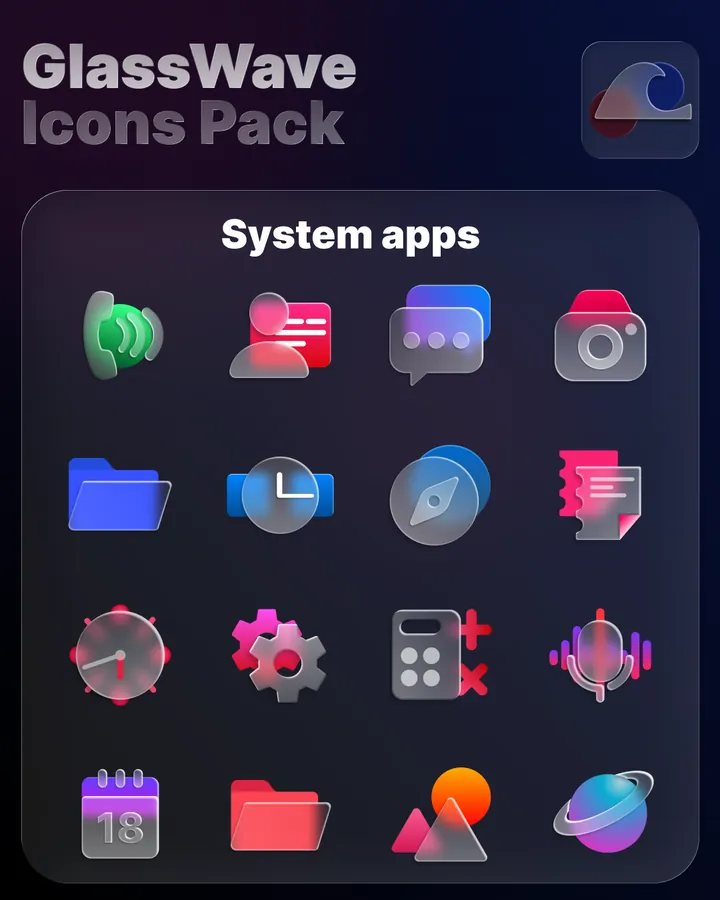
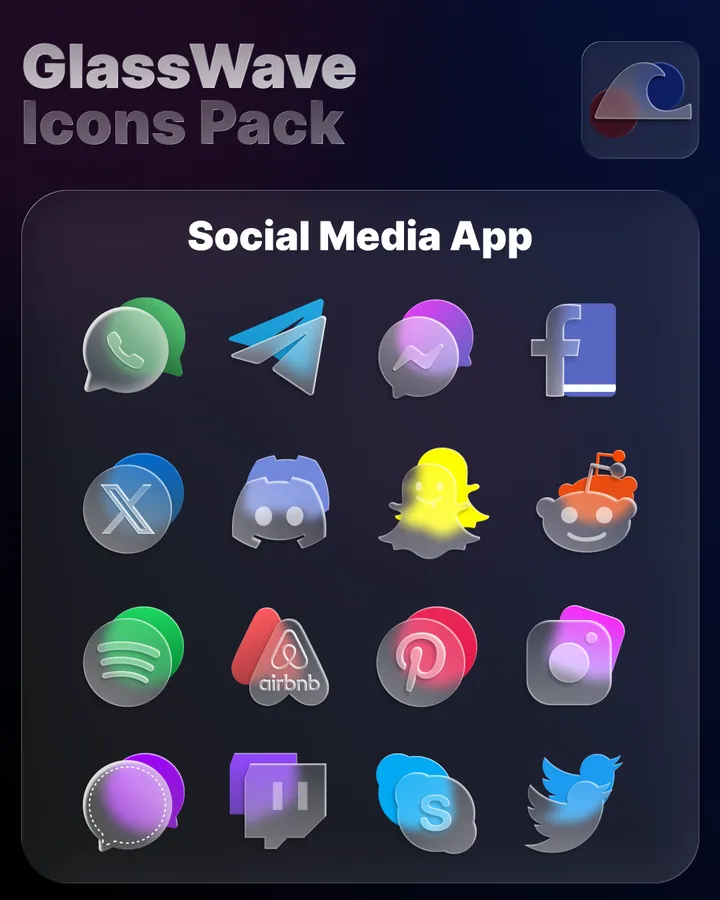
Swipe to see more
GlassWave turns every app into a translucent piece of glass, with matching widgets and wallpapers to complete the look.
Glassmorphic icons in HD (192×192 px), with new icons in every update.
Date, weather, calendar, battery, music and more, designed to match the icons.
A cloud catalog of wallpapers that keeps growing, applied in one tap.
Missing an app? Request it from the app. Premium requests are prioritized.
Ready-made presets that you load in KWGT and customize as you like.
The widgets need KWGT and its paid upgrade KWGT Pro, made by another developer and sold separately on Google Play. The icon pack and the wallpapers work without them.
Apply GlassWave from the icon pack option of a launcher that supports icon packs. Requires Android 10 or later.
GlassWave doesn't work with the default launchers of Google Pixel, Xiaomi (MIUI / HyperOS), Samsung (One UI) or Huawei (EMUI). Check your launcher before buying.
When you request icons, GlassWave sends the apps you chose and checks with Google Play that your copy was bought there. That check never sends us your name or your Google account.
GlassWave needs a launcher that supports icon packs, such as Nova Launcher, Lawnchair, Apex, Niagara, Smart Launcher or Poco Launcher. It doesn't work with the default launchers of Google Pixel, Xiaomi (MIUI / HyperOS), Samsung (One UI) or Huawei (EMUI).
Only for the widgets. GlassWave's 16 widgets are presets for KWGT, which you need together with its paid upgrade KWGT Pro, both sold separately on Google Play. The icon pack and the wallpapers work without KWGT.
Open your launcher's settings, find the icon pack (or icon style) option and choose GlassWave. Your app icons change straight away.
You can request it from the app. Each installation includes free icon requests, and you can buy packs of premium requests, which are prioritized. Requested icons are added in upcoming updates.
GlassWave is a paid app: you buy it once on Google Play, with no subscription. The only in-app purchases are optional packs of premium icon requests. Refunds are handled by Google Play; see the Terms of Service.
Android 10 or later.
GlassWave has no ads, no analytics and no account. When you request icons, the app sends the apps you chose and checks with Google Play that your copy was bought there. That check never sends us your name or your Google account. All the details are in the Privacy Policy.
Questions before buying? Write to us on Telegram or at akustom15help@gmail.com.