135 widgets
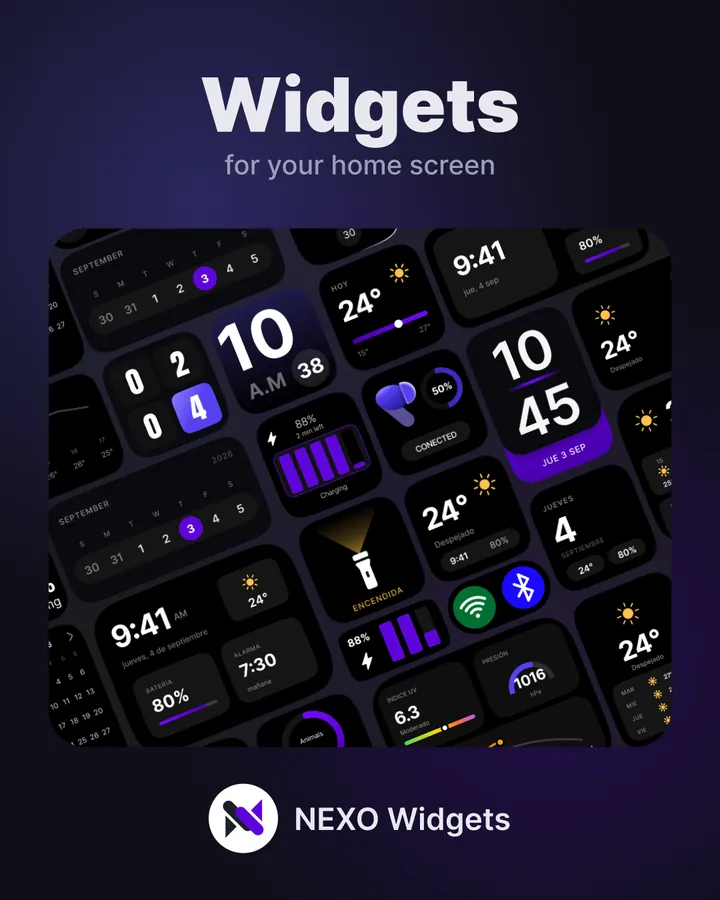
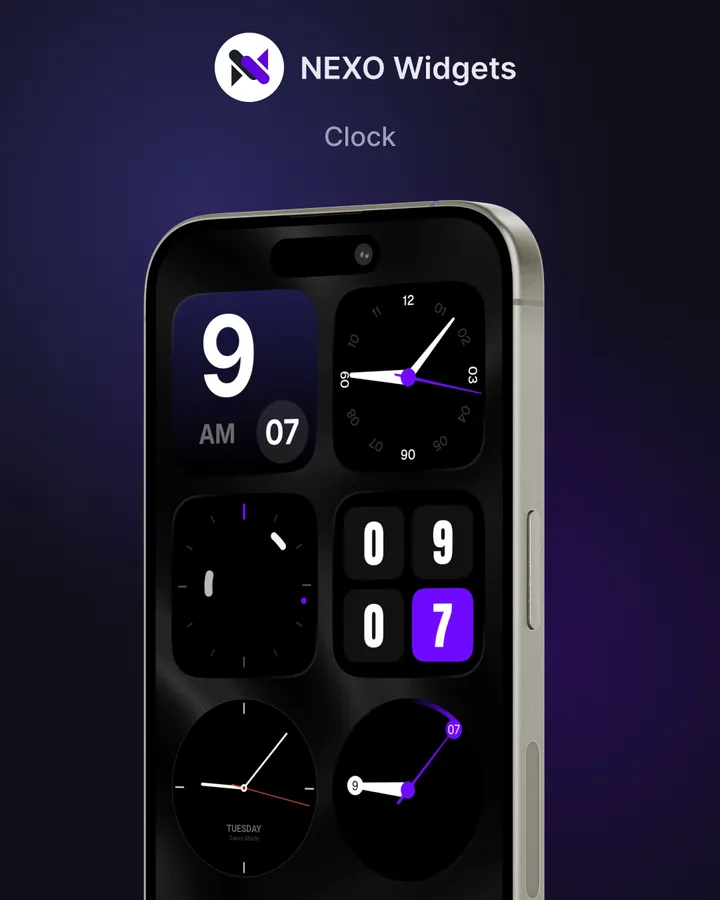
Ten categories, from 21 clock designs to folders, mixed panels, AI assistants and search bars.
 Home Screen Widgets
135 widgets that share one style, so everything on your home screen matches. Free to start, no KWGT needed.
Swipe to see more
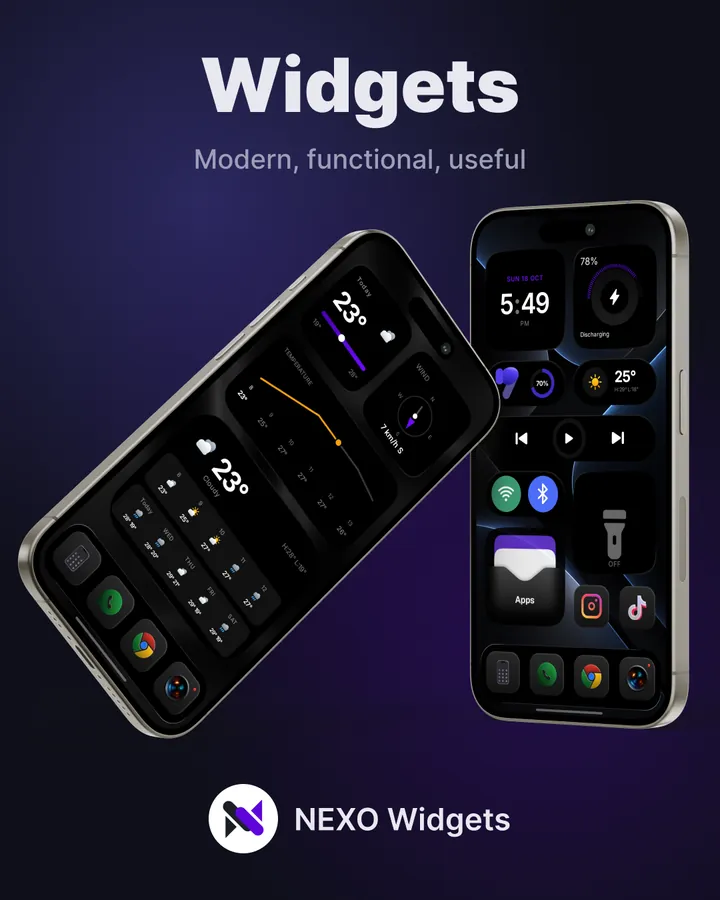
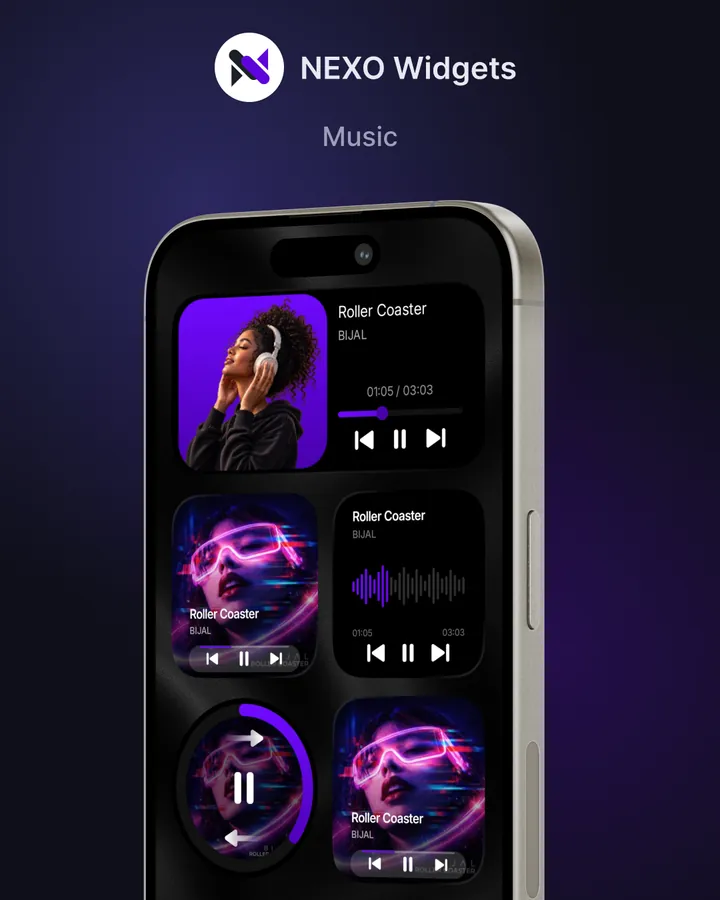
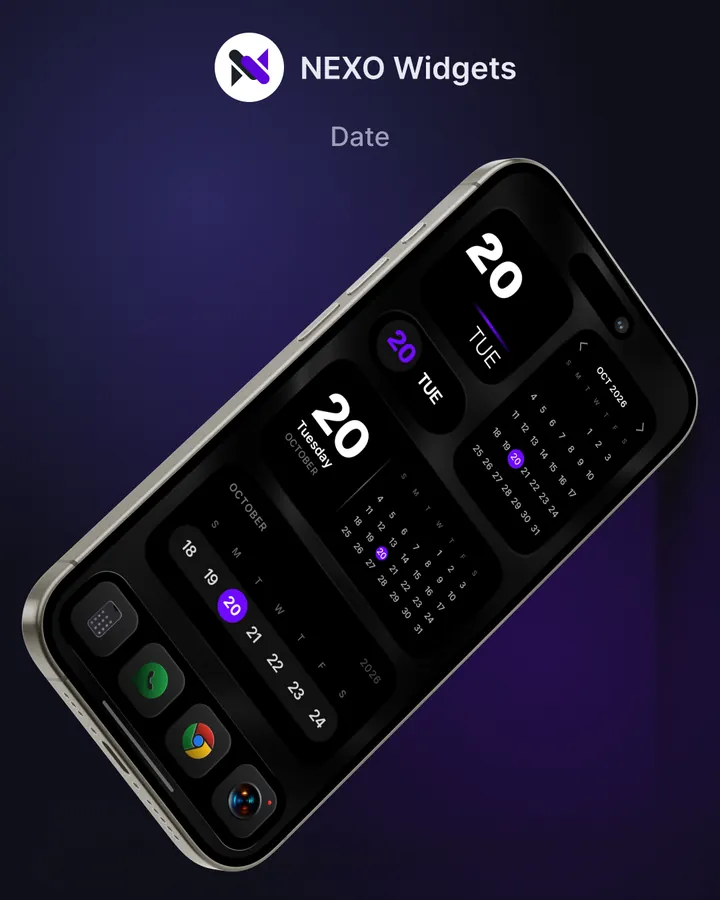
Your clock, weather, music, battery and favourite apps, designed to match each other and your wallpaper.
Ten categories, from 21 clock designs to folders, mixed panels, AI assistants and search bars.
Light, dark gray or pure black, chosen on every widget, with accent colours to match your wallpaper.
Adaptive or fixed size, and a real preview of every widget before you place it.
A catalog of wallpapers designed to go with the widgets, included at no cost.
Native Android widgets, added in one tap, with no extra apps or complicated setup.
Works on any launcher that lets you add widgets, including the default launchers of Samsung, Google Pixel and Xiaomi. Requires Android 10 or later.
Your calendar, photos and contacts are only used on your phone. Location is approximate, optional and only used for the weather.
Yes. Nexo is free to download and 22 widgets are free forever. Nexo Pro unlocks all the others, including the ones added in future updates, with a single payment: no subscription and no ads.
No. Nexo's widgets are native Android widgets built into the app. You add them in one tap, with no KWGT or other apps.
Yes. Because they are native widgets, they work on any launcher that lets you add widgets, including the default launchers of Samsung, Google Pixel and Xiaomi.
Open Nexo, choose a widget and tap to add it to your home screen. You can also long-press your home screen, open Widgets and pick Nexo.
No. Your purchase is linked to your Google account, so you can restore it on any phone signed in with the same account. Refunds are handled by Google Play; see the Terms of Service.
Android 10 or later.
Nexo has no ads, no tracking and no account. Your calendar, photos and contacts are only used on your phone. Location is approximate, optional and only used for the weather. All the details are in the Privacy Policy.
Got an idea or a problem? Write to us on Telegram or at akustom15help@gmail.com.